You can start on almost anything with a cable. But one category of speaker will actively stop you learning, and it is the one most people already own.
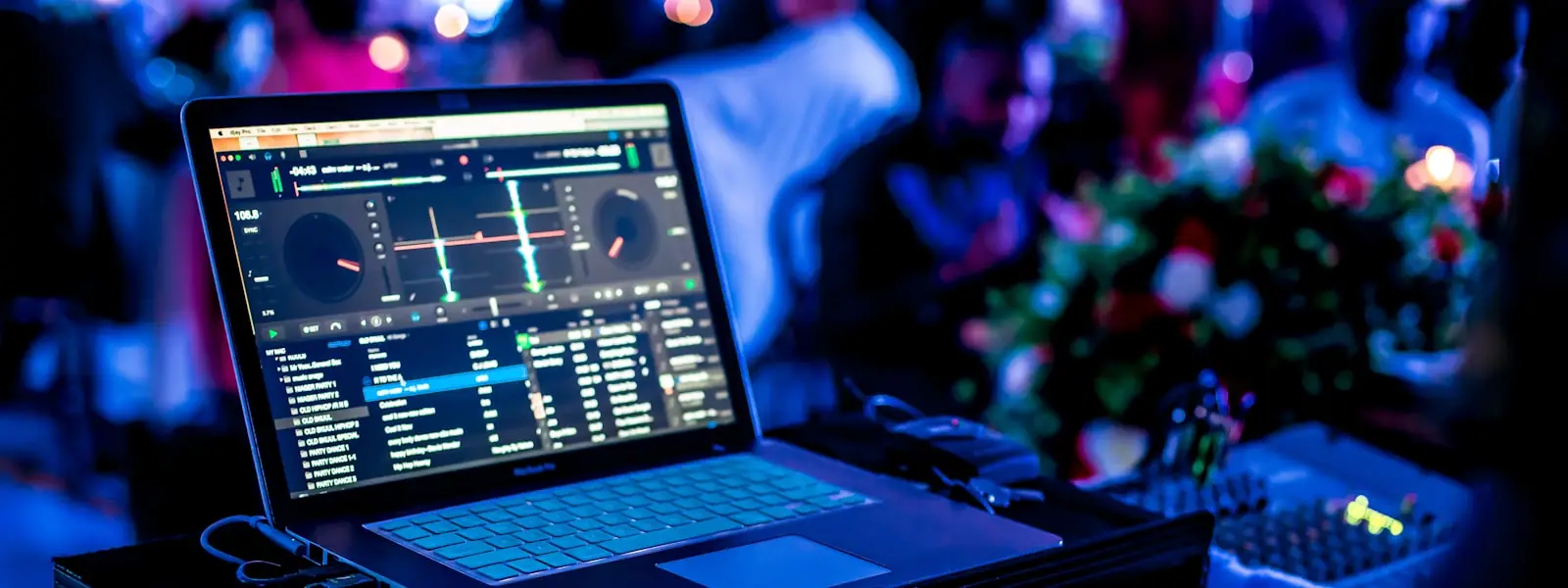
Wireless audio adds latency — typically 100 to 200 milliseconds between the software and the sound reaching you. At 128 BPM a single beat is about 470 milliseconds, so that delay is a substantial fraction of a beat. You nudge the jog wheel, you hear the result a third of a beat later, and you chase your own correction forever.
Monitors are built to be neutral rather than flattering. Consumer speakers, laptop speakers and most soundbars boost the low end because it makes music sound better. For listening that is a kindness; for mixing it is a lie.
The single most common mixing fault is two basslines playing at once, which sounds muddy and loud on a club system and nearly fine on a speaker that is already exaggerating bass. You will not hear the problem you are creating. That is what a neutral monitor fixes — see using EQ and filters for what to do about it.
"Active" is the word to look for. Passive speakers need a separate amplifier, which is an extra box and an extra decision.
A bedroom is a small box with parallel walls, so bass builds up in corners and cancels elsewhere. Monitors on the desk, roughly at ear height, pulled slightly away from the wall, will beat an expensive pair badly placed. You do not need acoustic treatment to learn to DJ — just do not put the speakers in the corners.
Mix quieter than feels exciting. Loud playback flatters everything and hides exactly the frequency clashes you are trying to hear, and hearing damage is cumulative and permanent. If a mix works at conversation volume it will work on a club system.
For casual playback yes, for practice no. Bluetooth introduces a delay of roughly 100 to 200 milliseconds between the software and the sound, so what you hear lags what you are doing. Beatmatching and cueing depend on immediate feedback, so the delay makes the core skill unlearnable. Always use a wired connection when practising.
Consumer speakers are voiced to flatter music, usually by boosting bass and treble. Studio monitors aim for a neutral response so you hear what is actually there. For a DJ that matters because bass build-up between two overlapping tracks is the most common mixing problem, and a speaker that exaggerates bass hides how bad it is until you play on a real system.
What to look for in DJ headphones · Using EQ and filters · What equipment do you need?
 MixReady