The most common first controller, and its equally common predecessor. Here is what you have, what is different between them, and how to get from unboxing to a first mix.
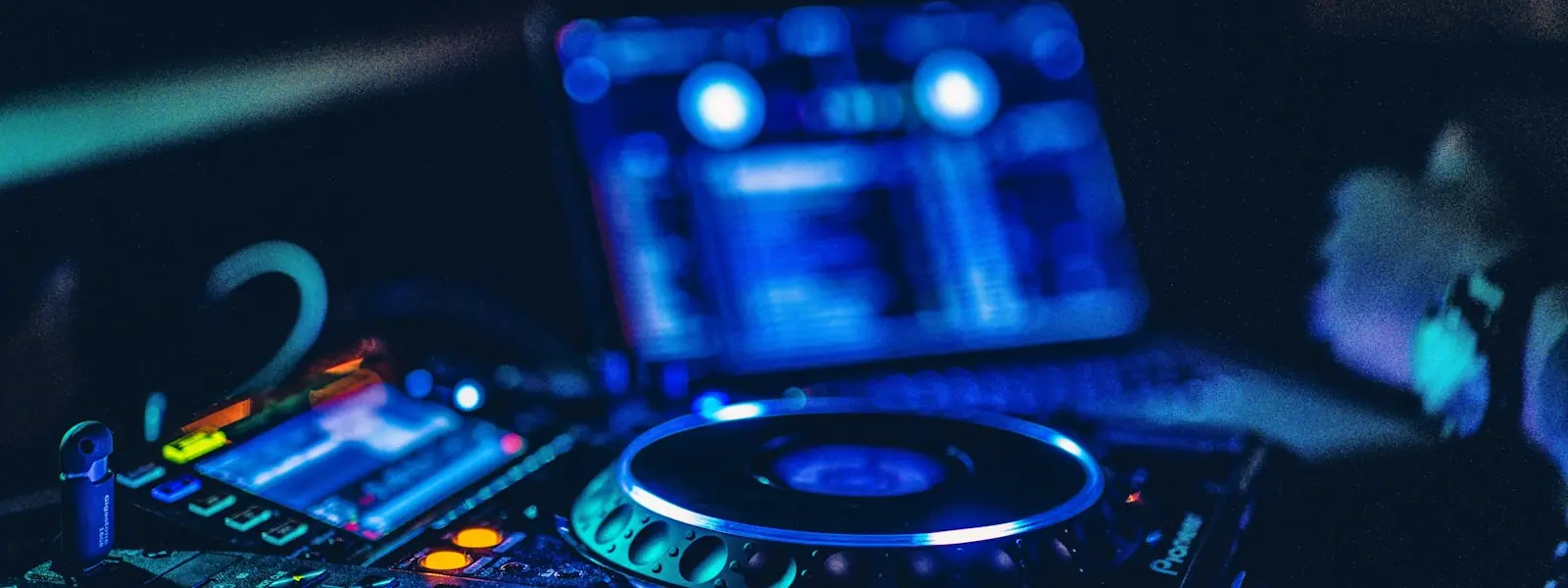
A two-channel controller: two decks with jog wheels, a two-channel mixer with three-band EQ and a filter, performance pads, and a built-in sound card that handles both the main output and headphone cueing. That is a complete DJ setup once you add headphones and a laptop.
The layout deliberately mirrors club hardware, which is the point — the muscle memory you build here transfers to CDJs later.
| DDJ-400 | DDJ-FLX4 | |
|---|---|---|
| Status | Discontinued (late 2022) | Current |
| Software | rekordbox only | rekordbox and Serato DJ |
| Assistive features | — | Smart Fader, Smart CFX |
| Mic in your recordings | No | Yes |
| Layout and feel | Near-identical two-channel design | |
Smart Fader and Smart CFX adjust tempo, level and effects automatically to smooth a transition. They are genuinely useful for a first evening and worth turning off soon after: they hide the relationship between what you do and what you hear, which is the thing you are trying to learn. Use them to get a first mix working, then switch them off and do it manually.
Set your cue points, learn EQ and filters properly, and when you are ready to play out, practise exporting to USB so the move to club gear is a formality.
The FLX4 replaced the DDJ-400, which was discontinued in late 2022. Physically they are very similar two-channel controllers. The most important difference is software: the DDJ-400 works with rekordbox only, while the FLX4 supports both rekordbox and Serato DJ. The FLX4 also adds mic routing into the main output and assistive features such as Smart Fader and Smart CFX.
Yes — it is one of the most widely recommended first controllers. It has the standard two-deck layout that mirrors club hardware, so the skills transfer, and it unlocks rekordbox's full performance mode and works with Serato DJ Lite, rather than a time-limited trial. Its assistive features are optional and can be ignored once you want to do things manually.
It is a reasonable way to save money, with one caveat: it is discontinued and rekordbox-only, so if you later want to use Serato you would need different hardware. If the price difference is small, the FLX4's dual-software support is worth having.
What equipment do you need? · rekordbox vs Serato · Beatmatching · How long it takes to learn
 MixReady